Portfolio Website
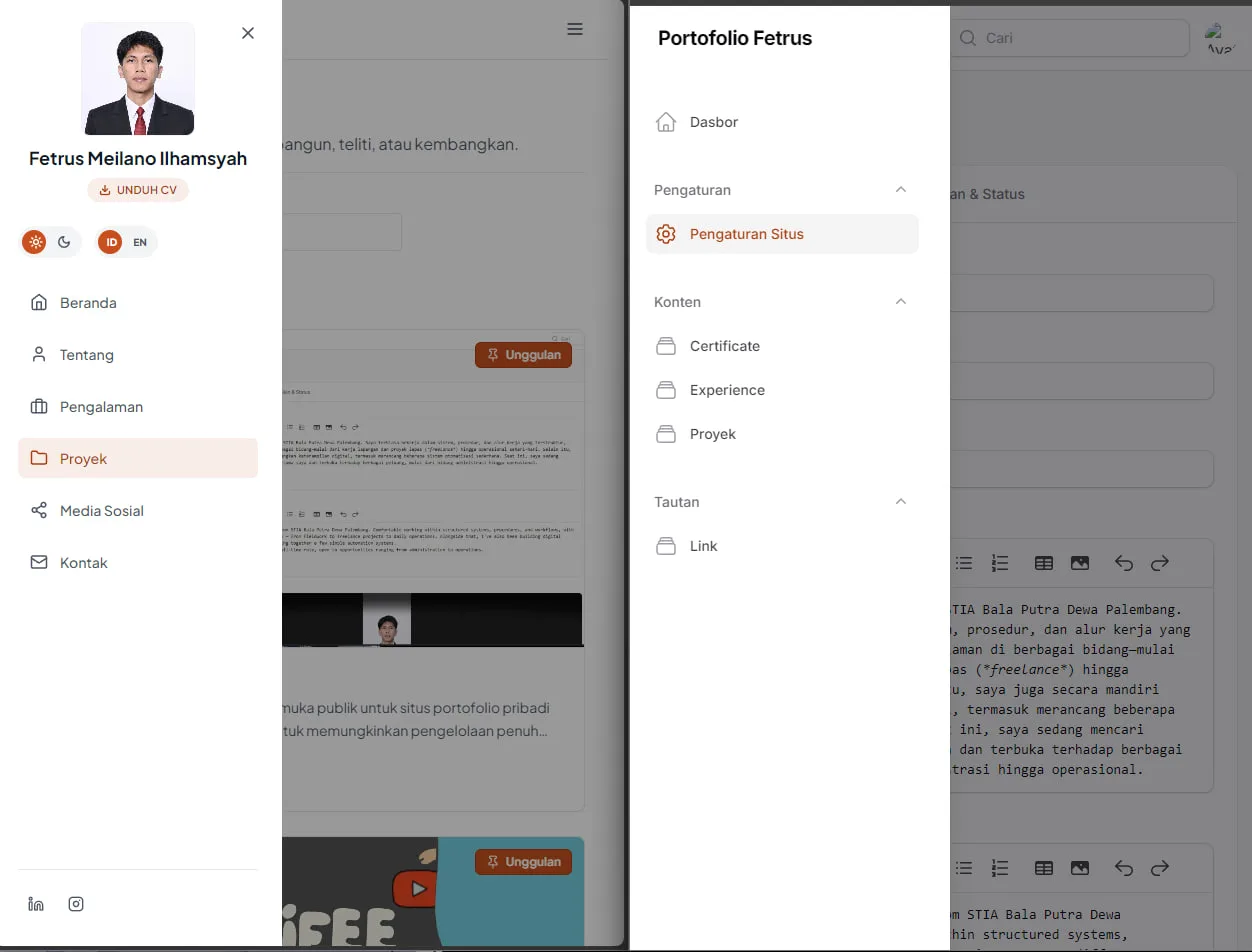
A content management system and public interface for a dynamic personal portfolio website. This project is designed to allow full management of projects, experiences, certificates, and site settings through an admin panel, without needing to manually modify the source code.
Architecture and Technology
This project is built using the following frameworks and technologies:
- Base Language & Framework: PHP 8.4 and Laravel 13
- Admin Panel: Filament 5
- User Interface (Public): Tailwind CSS 4 and Alpine.js 3
- Database: SQLite
- Asset Management: Vite 8
Key Features
- Dynamic Content Management: Manage project entries, experience history, certificates, and links through the admin interface.
- Localization (i18n): Support for Indonesian as the default language and English as an alternative.
- Theme System: Light and dark modes integrated with system preferences, managed on the client side.
- Integrated Security: Two-factor authentication (2FA) for admins, rate limiting, and HTTP header hardening.
- Automatic Media Optimization: Image conversion to WebP and resolution resizing on upload to save storage space and bandwidth.
- High Performance: Full-page caching for guests only, plus dynamic generation of the sitemap and metadata for search engine optimization (SEO).
System Requirements
Make sure your development environment meets the following minimum requirements:
- PHP: Version 8.3 or newer (requires the extensions:
pdo_sqlite,curl,mbstring,openssl,zip,gd,intl,exif) - Composer: Version 2.0 or newer
- Node.js: Version 20.19 or newer (version 22 LTS recommended)
- Git
Installation Guide (Local Windows Environment)
Follow these steps in your PowerShell terminal to set up the project locally:
# 1. Copy the environment configuration
cp .env.example .env

# 2. Install PHP dependencies
composer install

# 3. Generate the application key
php artisan key:generate

# 4. Create the SQLite database file and run the schema migrations
New-Item -ItemType File -Force database/database.sqlite
php artisan migrate

# 5. Create a symbolic link for media storage (required for public access)
php artisan storage:link

# 6. Install Node.js dependencies
npm install

# 7. Compile assets for production
npm run build

# Or run the asset development server for real-time updates (hot-reload)
# npm run dev
Running the Local Server
Run the following command to start the local PHP server:
php artisan serve
- Public Interface:
http://localhost:8000 - Admin Panel:
http://localhost:8000/admin
Note: If you are using PHP installed via WinGet and the php command is not yet recognized, make sure the PHP installation directory has been added to the PATH environment variable in your operating system.
Additional Documentation
For more in-depth guidance on the architecture, working guidelines, and completion status, please refer to the following documents:
docs/KONSEP.md— The main specification document covering the project's goals, page list, technology stack, interface design guidelines, and working rules.docs/PROGRESS.md— Development log recording stage-by-stage completion details and the technical decisions that have been made.docs/DEPLOY.md— Guide for deploying the application to a production server (VPS).